
Update 28 October 2026: PM Shehbaz Sharif formally launched the PM Youth Chromebook Scheme in Islamabad on 25 October 2026. 500,000 Chromebooks will be given over 24 months, along with bags and MiFi internet devices. Students of government schools and seminaries are eligible; private school students are not. Registration remains open on pmychromebooks.ibcc.edu.pk.
The Prime Minister’s Youth Chromebook Scheme gives free Chromebooks to top-performing students of government schools, and registration happens on one official portal run by the Inter Boards Coordination Commission (IBCC): pmychromebooks.ibcc.edu.pk. This guide covers PM Youth Chromebook registration step by step: who is eligible in each province, the four documents you must upload, the 300 KB file limit, and what to do if your record is not found.
Quick facts: Portal: pmychromebooks.ibcc.edu.pk · Who: top Class 9 students of government schools (Class 9 and 10 in ICT, AJK and GB) · Based on: Annual Examinations 2026 · Fee: none · One application per student.
Who Is Eligible for the PM Youth Chromebook Scheme
| Region | Eligible classes |
|---|---|
| Punjab, Sindh, Khyber Pakhtunkhwa, Balochistan | Class 9 (SSC-I) |
| Islamabad (ICT), AJK, Gilgit-Baltistan | Class 9 (SSC-I) and Class 10 (SSC-II) |
- Only students of government or public-sector schools are eligible. Private school students are not covered.
- Selection is on merit, using marks from the Annual Examinations 2026.
- Each board shortlists its top students and sends the names to IBCC. Your name, school and marks must match your board record.
- Sindh registration opens on the same portal once all Sindh boards declare their Class 9 results.

Documents Required (Max 300 KB Each)
| Document | Format |
|---|---|
| Recent colour photograph (front-facing, plain background) | JPG or PNG |
| Mark sheet (SSC-I or SSC-II) | JPG, PNG or PDF |
| Attested B-Form or CNIC copy | JPG, PNG or PDF |
| Attested father’s or guardian’s CNIC copy | JPG, PNG or PDF |
Scan each document clearly and compress it below 300 KB before you start. Blurry or oversized files are the most common reason forms get stuck.
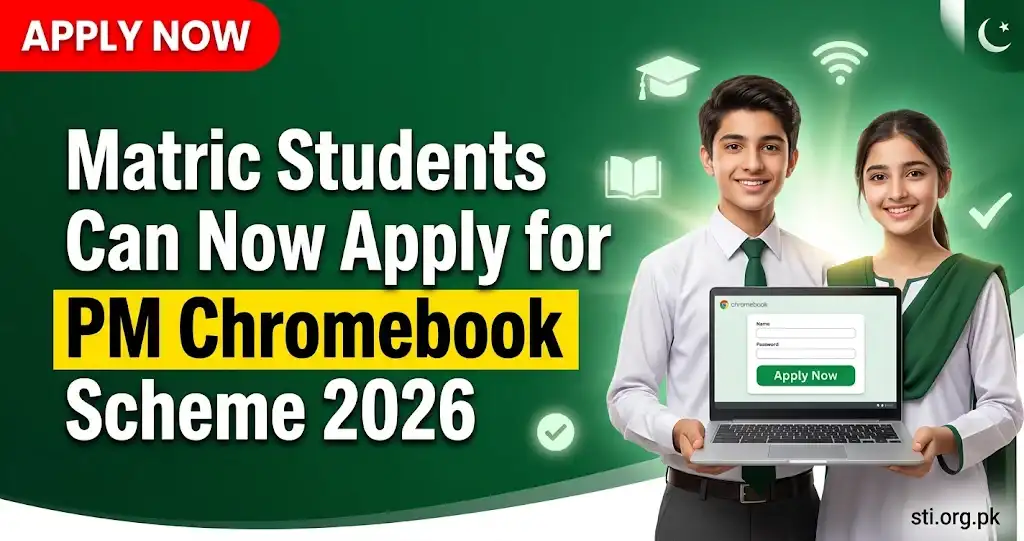
How to Register: Step by Step
- Open pmychromebooks.ibcc.edu.pk.
- Select your educational board.
- Enter your B-Form/CNIC number or roll/registration number (numbers only, no dashes) and your date of birth.
- Check that the name, school and marks shown match your record.
- Upload the four documents listed above.
- Review everything carefully, because the form cannot be edited after submission.
- Submit and save your reference number and the slip.
If Your Record Is Not Found
- Try again with your roll or registration number instead of the B-Form.
- Make sure you selected the correct board and entered your date of birth exactly as on the B-Form.
- If it still fails, your name may not be on the shortlist sent by the board. Contact your board or school administration in writing.
Last Date and Deadlines
IBCC does not show one national closing date. Deadlines are set board by board. BISE Lahore had set 19 October 2026, so Punjab students should check their own board notice and apply without delay. There is no fee: anyone asking for money is not part of the official process.
For the background on the 500,000-device scheme, read our PM Chromebook scheme news. Students heading to university can also check the CM Punjab Honhaar Scholarship 2026 and the Punjab laptop scheme.
pmychromebooks.ibcc.edu.pk Login: How to Get Back Into Your Application
The portal does not use a username and password like most job portals. Your “login” is the same set of details you used to register:
- Open pmychromebooks.ibcc.edu.pk on Chrome.
- Select the same education board you chose at registration.
- Enter the same B-Form/CNIC (or roll/registration) number and date of birth.
- The portal recognises your record. If your form has already been submitted, keep the reference number and slip you saved, because the form cannot be edited again.
If you lost your slip, take a screenshot of whatever the portal shows after you enter your details, and keep your school informed. Selection results reach students through their boards and schools, so make sure your school has your correct contact number.
PM Youth Chromebook Last Date 2026 by Board
| Region / board | Status of last date |
|---|---|
| BISE Lahore | 19 October 2026 (board notice) |
| Other Punjab boards | Set board by board; check your board notice |
| Sindh boards | Registration opens after all Sindh boards declare Class 9 results |
| KP and Balochistan boards | Board-wise dates; no single national deadline |
| ICT, AJK, Gilgit-Baltistan | Class 9 and Class 10 students; follow your board |
The federal government has not announced one final national deadline. Because each board shortlists its own top students and sends names to IBCC, the safest approach is to apply as soon as your board result is on the portal.
Eligibility Criteria for Sindh Board Students
Sindh follows the same rule as Punjab, KP and Balochistan: top-performing Class 9 (SSC-I) students of government schools, selected on each board’s own merit cut-off. Sindh students register on the same IBCC portal; there is no separate Sindh website.
Frequently Asked Questions
What is the official website for PM Youth Chromebook registration?
Registration is only on the IBCC portal: pmychromebooks.ibcc.edu.pk.
Can private school students apply for the Chromebook scheme?
No. Only students of government or public-sector schools are eligible.
Which class students can apply in Punjab?
In Punjab, top-performing Class 9 (SSC-I) students based on the Annual Examinations 2026.
Is there any fee for the Chromebook scheme?
No. Registration is free. Do not pay anyone who asks for money.
Can I edit my form after submitting it?
No. The form cannot be edited after submission, so check all details before you submit.
Bottom line: If you are a top Class 9 student of a government school, register on the IBCC portal with four clear documents under 300 KB, and save your slip.